
Codex plugin + Claude Code: install it, then review and hand off work
The Codex plugin for Claude Code is OpenAI's own plugin that lets you call Codex from inside a Claude Code session. You can ask Codex to review your changes, challenge a design, take over a bug, or carry the whole conversation over into Codex. It runs the Codex CLI already on your machine, signed in with your ChatGPT account or an OpenAI API key, and its use counts toward your Codex limits.
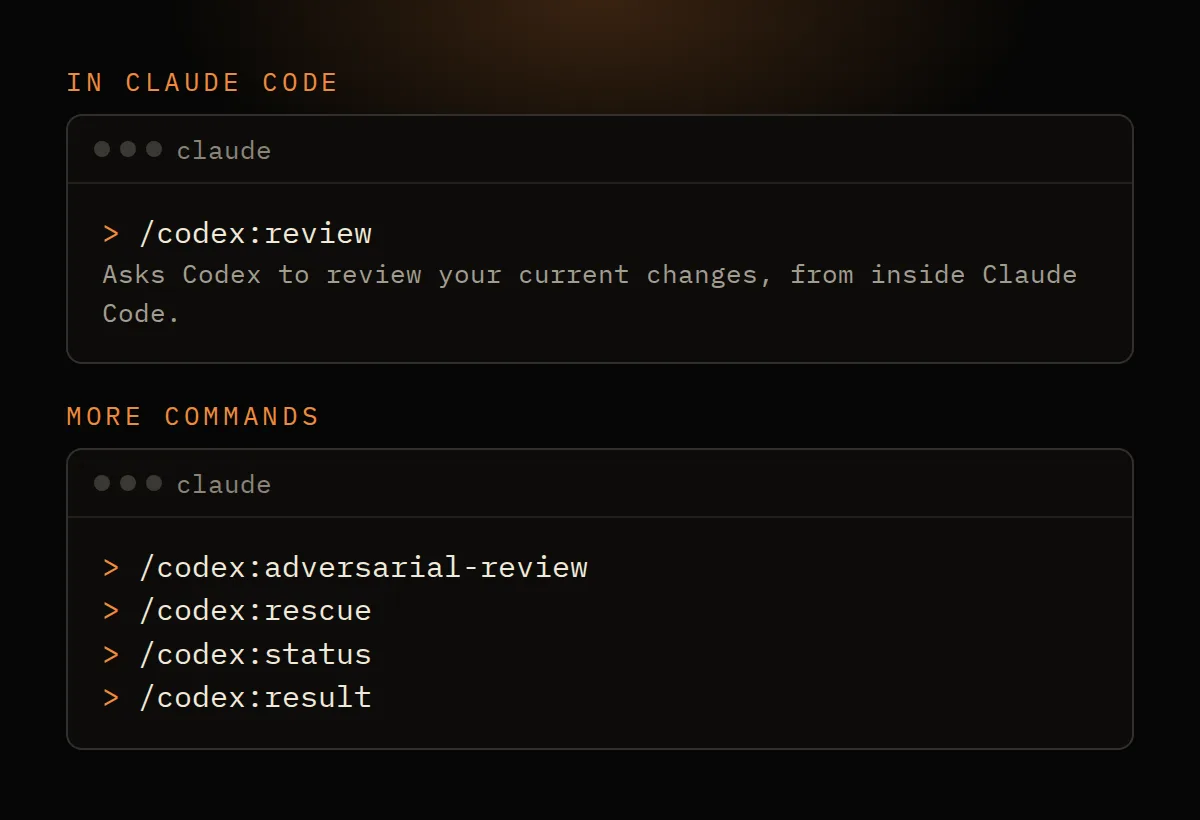
What you get
| Command | What it does |
|---|---|
| /codex:review | A normal read-only Codex review of your current work |
| /codex:adversarial-review | A review you can steer, which questions the design and the choices behind it |
| /codex:rescue | Hands a task to Codex, such as a bug to investigate or a fix to try |
| /codex:transfer | Turns your Claude Code session into a Codex thread you can carry on in Codex |
| /codex:status | Shows running and recent Codex jobs for this repository |
| /codex:result | Shows the final output of a finished job |
| /codex:cancel | Cancels a running background job |
| /codex:setup | Checks Codex is installed and signed in, and turns the review gate on or off |
Source: Codex plugin for Claude Code, OpenAI on GitHub
What you need
- A ChatGPT subscription, including Free, or an OpenAI API key. Usage counts toward your Codex usage limits.
- Node.js 18.18 or later.
- Claude Code, with plugins available.
How to install the Codex plugin
In Claude Code, add OpenAI's plugin marketplace:
/plugin marketplace add openai/codex-plugin-ccThen install the plugin and reload plugins:
/plugin install codex@openai-codex/reload-plugins
Run the setup check:
/codex:setup/codex:setup tells you whether Codex is ready. If Codex is missing and npm is available, it can offer to install it for you. To install it yourself, run npm install -g @openai/codex. If Codex is installed but not signed in, run !codex login from Claude Code; the ! runs it as a shell command.
Once installed, the slash commands above appear, and a codex:codex-rescue subagent shows up in /agents. A simple first run is a background review, then checking on it:
/codex:review --background/codex:status/codex:result
Source: Codex plugin for Claude Code, OpenAI on GitHub
Get a second opinion with /codex:review
/codex:review runs a normal Codex review on your current work, the same quality as running /review inside Codex. With no options it reviews your uncommitted changes. Add --base to review your branch against another, such as main:
/codex:review --base mainIt is read-only and never changes your files. It does not take custom focus text. Reviews of changes across many files can take a while, so OpenAI suggests running them in the background with --background, then checking in with /codex:status.
Challenge a decision with /codex:adversarial-review
/codex:adversarial-review questions the approach rather than the details. It looks at trade-offs, hidden assumptions, failure modes and whether a simpler or safer design would have worked. Unlike a normal review, you can tell it what to focus on:
/codex:adversarial-review --base main challenge whether this was the right caching and retry designUse it before shipping something risky: authentication, data loss, rollback, race conditions or reliability. It is read-only too; it points out problems but does not fix them.
Hand work to Codex with /codex:rescue
/codex:rescue gives a task to Codex through the codex:codex-rescue subagent. Use it to investigate a bug, try a fix, continue an earlier Codex task, or take a quicker pass with a smaller model:
/codex:rescue investigate why the tests started failing/codex:rescue fix the failing test with the smallest safe patch/codex:rescue --resume apply the top fix from the last run
You can also just ask in plain words, such as "Ask Codex to redesign the database connection to be more resilient." If you do not pass --model or --effort, Codex picks its own defaults. Rescue jobs can run long, so --background is a good habit. Follow-up requests can carry on the latest Codex task in the same repository.
Move the conversation to Codex with /codex:transfer
If you started debugging or building something in Claude Code and want to continue the same conversation in Codex, run /codex:transfer. It creates a lasting Codex thread from your Claude Code session and prints a codex resume command with the session ID, which you run in a terminal to pick up where you left off.
Any delegated job can be reopened the same way. /codex:result and /codex:status show the Codex session ID, and codex resume with that ID opens the run in Codex so you can check the work or keep going.
Check on Codex jobs: /codex:status, /codex:result and /codex:cancel
Work you send to Codex in the background keeps running while you carry on with Claude. Three commands keep track of it:
| Command | What it does |
|---|---|
| /codex:status | Shows running and recent Codex jobs for the current repository, so you can check progress, see the latest finished job, or confirm a task is still running |
| /codex:result | Shows the final stored Codex output for a finished job, with its Codex session ID when available |
| /codex:cancel | Cancels an active background Codex job |
Each takes an optional job ID, such as /codex:status task-abc123, when you have more than one job going.
/codex:status/codex:result task-abc123/codex:cancel task-abc123
Check your setup with /codex:setup
/codex:setup checks whether Codex is installed and signed in. If Codex is missing and npm is available, it can offer to install Codex for you. It is also where you turn the optional review gate on and off.
Pick up the work in Codex itself
Anything the plugin ran, a rescue task or a review gate run, can be reopened directly in Codex. Take the session ID from /codex:result or /codex:status and run codex resume with it, or run codex resume and choose the session from the list. This is useful when Codex found something worth exploring further and you would rather continue there than relay messages through Claude.
codex resume <session-id>Because the plugin and Codex share one install, a job you resume this way opens with the same settings, sign-in and repository checkout it ran with inside Claude Code.
The review gate
The plugin has an optional review gate. When it is on, a Stop hook asks Codex for a targeted review each time Claude finishes a reply. If Codex finds problems, Claude is stopped from finishing so it can fix them first.
/codex:setup --enable-review-gate/codex:setup --disable-review-gate
OpenAI warns that the gate can create a long loop between Claude and Codex and drain usage limits quickly. Only turn it on when you plan to watch the session.
Source: Codex plugin for Claude Code, OpenAI on GitHub
Three common ways to use it
- Review before shipping: run /codex:review on your changes before you open a pull request.
- Hand off a problem: /codex:rescue investigate why the build is failing in CI, then keep working with Claude while Codex digs.
- Start something long: run /codex:adversarial-review --background or /codex:rescue --background, then check /codex:status and /codex:result later.
Settings, sign-in and cost
The plugin does not bring its own copy of Codex. It uses the codex command already installed on your machine, through the Codex app server, so it shares your sign-in, your repository checkout and your Codex settings. To change the model or reasoning effort it uses, set model and model_reasoning_effort in ~/.codex/config.toml, or in a project's .codex/config.toml if you have trusted that project.
If you are already signed in to Codex on the machine, the plugin works straight away. If you only use Claude Code today, sign in to Codex once with a ChatGPT account or an API key. Every review and rescue is real Codex work, so it counts toward your Codex limits; Claude still counts toward your Claude limits for its side of the conversation.
When to use the plugin, and when to open Codex directly
| Situation | Better choice |
|---|---|
| A quick second opinion on changes Claude just made | /codex:review |
| Pressure-testing a design or a risky decision | /codex:adversarial-review |
| A side investigation while Claude keeps building | /codex:rescue --background |
| Codex should take over the whole task | /codex:transfer, then continue in Codex |
| Codex and Claude each own a long piece of work | Two separate sessions, each in its own worktree |
Common problems
Claude Code says Codex is not installed or not signed in
Run /codex:setup. It checks the install and sign-in, and can offer to install Codex with npm. If you have never used Codex, sign in once with your ChatGPT account or an API key.
My project settings for Codex are ignored
Project-level settings in .codex/config.toml only load when you have trusted the project in Codex. Your user-level ~/.codex/config.toml always applies.
My usage is draining fast
Check whether the review gate is on. It runs a Codex review every time Claude finishes a reply and can loop. Turn it off with /codex:setup --disable-review-gate, and use /codex:review by hand instead.
I need Codex to use a different endpoint
Because the plugin uses your local Codex CLI, your existing sign-in method and config apply. To point Codex's built-in OpenAI provider at a different endpoint, set openai_base_url in your Codex config.
Plugin or two agents side by side?
The plugin suits quick second opinions and short hand-offs without leaving Claude Code. When Codex and Claude Code are each doing their own long piece of work, it is often simpler to run them as separate sessions. 10u is an AI coding agent dashboard that shows every Claude Code and Codex session side by side, marked Needs you, Working, Waiting or Parked, so you can see which one is waiting on you. They do the building. You decide what gets built.

Questions people ask
- Does the plugin run a separate copy of Codex?
- No. It delegates through your local Codex CLI and Codex app server, so it uses the same install, sign-in, checkout and settings as Codex itself.
- Can I keep my current API key or base URL?
- Yes. The plugin uses your local Codex CLI, so your existing sign-in method and config still apply.
- How do I see what a background Codex job found?
- Run /codex:status to check progress and /codex:result to read the final output, then codex resume to continue in Codex if you want.
- Is there a Codex plugin for Claude Code?
- Yes. OpenAI publishes one at openai/codex-plugin-cc. Add it with /plugin marketplace add openai/codex-plugin-cc, then install it and run /codex:setup.
- Do I need a separate Codex account for the plugin?
- You need to be signed in to Codex with a ChatGPT account, including Free, or an OpenAI API key. If you already use Codex on the machine, the plugin uses that sign-in.
- Does the Codex plugin change my code?
- /codex:review and /codex:adversarial-review are read-only. /codex:rescue hands a task to Codex, which can make changes.
- Does the plugin use my Codex limits?
- Yes. Reviews and rescue jobs run on your Codex account and count toward your Codex usage limits.
- Can I move a Claude Code conversation into Codex?
- Yes. /codex:transfer creates a Codex thread from your session and prints a codex resume command to continue it in Codex.