
Claude Code notifications: how to know when Claude needs you
Claude Code sends a notification when it finishes a task or stops at a permission prompt and you seem to be away from the terminal. In Ghostty, Kitty and iTerm2 that is a desktop notification; in most other terminals it is a bell or nothing at all. To get an alert in any terminal, add a Notification hook to ~/.claude/settings.json that runs your system's own notification command.
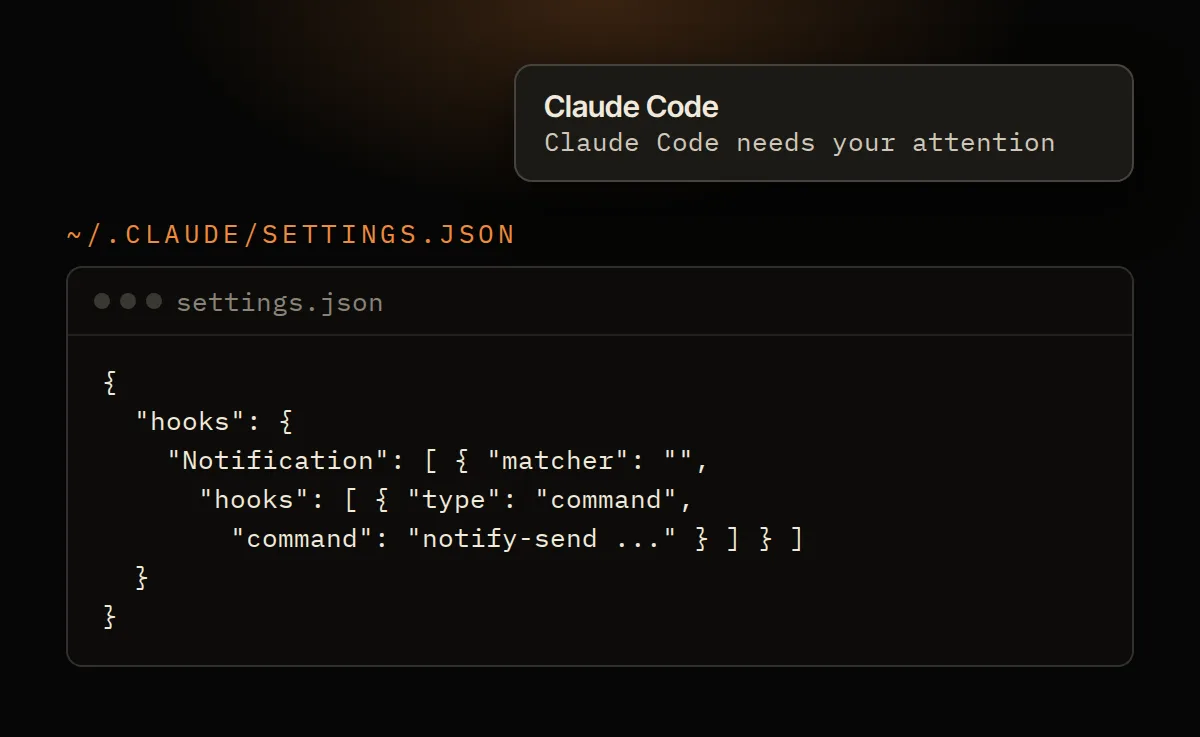
What Claude Code does out of the box
When Claude needs you, Claude Code fires a notification event. What you see depends on your terminal:
| Terminal | What you get by default |
|---|---|
| Ghostty, Kitty and iTerm2 | A desktop notification. iTerm2 shows it only after you turn on its alert settings |
| Apple Terminal | No sound. A silent bell when the window's profile has Audible bell off, which shows as a window flash or a Dock bounce if those options are on |
| Other terminals | Nothing |
So if you use VS Code's terminal, Windows Terminal or a plain Linux terminal and hear nothing, Claude Code is working as designed. You need either the terminal bell setting or a Notification hook.
Source: Configure your terminal for Claude Code, Anthropic
Option 1: turn on the terminal bell
To make Claude Code send the bell character in every terminal, set preferredNotifChannel to terminal_bell in ~/.claude/settings.json:
{
  "preferredNotifChannel": "terminal_bell"
}
In Apple Terminal, also turn on Audible bell under Settings, Profiles, Advanced so you can hear it. Many terminals can turn a bell into a sound, a flashing tab or a taskbar badge in their own settings, so this is the lightest way to get some signal.
Option 2: a Notification hook (works everywhere)
A hook is a command Claude Code runs at a set moment. The Notification event fires when Claude is waiting for your input or your permission, so a hook on it can show a desktop notification, play a sound or send a message anywhere you like. Hooks run alongside the built-in notification rather than replacing it.
Open ~/.claude/settings.json and add one of these. If the file already has a hooks key, add Notification next to the events already there instead of replacing the whole block.
macOS
{
  "hooks": {
    "Notification": [
      {
        "matcher": "",
        "hooks": [
          {
            "type": "command",
            "command": "osascript -e 'display notification \"Claude Code needs your attention\" with title \"Claude Code\"'"
          }
        ]
      }
    ]
  }
}
osascript sends notifications through the Script Editor app. If Script Editor does not have notification permission, the command fails silently and macOS will not ask you. Run this once in Terminal to make Script Editor appear in your notification settings, then turn on Allow Notifications for it under System Settings, Notifications:
osascript -e 'display notification "test"'Play a sound on macOS instead
{
  "hooks": {
    "Notification": [
      {
        "hooks": [{ "type": "command", "command": "afplay /System/Library/Sounds/Glass.aiff" }]
      }
    ]
  }
}
Linux
{
  "hooks": {
    "Notification": [
      {
        "matcher": "",
        "hooks": [
          {
            "type": "command",
            "command": "notify-send 'Claude Code' 'Claude Code needs your attention'"
          }
        ]
      }
    ]
  }
}
notify-send needs a desktop notification service, which headless servers, SSH sessions and most containers do not have. Test it on its own first:
notify-send 'Claude Code' 'test'If the command is not found, install the libnotify-bin package on Debian and Ubuntu, or your distribution's equivalent.
Windows
Anthropic's guide uses PowerShell to show a message box. Put this in the command field of the same hook block:
powershell.exe -Command "[System.Reflection.Assembly]::LoadWithPartialName('System.Windows.Forms'); [System.Windows.Forms.MessageBox]::Show('Claude Code needs your attention', 'Claude Code')"Source: Get started with Claude Code hooks, Anthropic
Check the hook is loaded
Type /hooks at the Claude Code prompt to open the hooks browser. Your hook should appear under Notification. To test it, ask Claude to do something that needs permission, switch to another window, and wait for the alert.
When the Notification event fires
The matcher picks which notifications run your hook. Leave it empty to run on all of them. The two you will use most:
| Matcher | When it fires |
|---|---|
| permission_prompt | Claude needs you to approve a tool use, and the prompt has waited about six seconds |
| idle_prompt | Claude finished replying about 60 seconds ago and you have not typed since |
| elicitation_dialog | An MCP server opened a form for you and you have not typed for about six seconds |
| agent_needs_input | A background session starts waiting on you while agent view is open in a terminal |
| agent_completed | A background session finishes or fails, while agent view is open in a terminal |
To be told only about permission prompts, set the matcher to permission_prompt. To be told only when Claude has gone quiet, use idle_prompt. Your hooks still run even if you set preferredNotifChannel to notifications_disabled; that setting only changes the built-in alert.
Source: Hooks reference, Anthropic
iTerm2: turn on its alerts
iTerm2 can show Claude Code's desktop notification, but only once you allow it:
- Open Settings, Profiles, Terminal.
- Tick Notification Center Alerts.
- Click Filter Alerts and turn on Send escape sequence-generated alerts.
If nothing appears after that, check iTerm2 has notification permission in your operating system settings.
tmux: let notifications through
Inside tmux, desktop notifications do not reach the outer terminal by default. Add these lines to ~/.tmux.conf, then apply them:
set -g allow-passthrough on
set -g focus-events on
set -s extended-keys on
set -as terminal-features 'xterm*:extkeys'
tmux source-file ~/.tmux.confThen restart Claude Code. The allow-passthrough line is the one that matters for notifications; the last two also make Shift+Enter add a new line. With this setup a pane in a window you are not looking at sends no notification, so a hook is still the surest way to hear from a hidden pane.
Over SSH
To get the desktop notification in Ghostty, Kitty or iTerm2 while Claude Code runs on another machine over SSH, outside tmux, keep preferredNotifChannel at its default, auto. On versions before v2.1.326, set it to iterm2, kitty or ghostty on the machine running Claude Code. A hook on the remote machine cannot show a notification on your laptop, because notify-send runs where Claude Code runs.
Source: Configure your terminal for Claude Code, Anthropic
See every session's status in your terminal
Some terminals support a status protocol (OSC 7501) that shows whether each interactive Claude Code session is working, waiting on you or done, with nothing to turn on in Claude Code. It needs Claude Code v2.1.295 or later and does not work inside tmux. If your terminal supports it, you can see at a glance which tab needs you.
A hook for each kind of alert
You can give each notification type its own hook, so a permission prompt sounds different from a finished reply. Put two entries under Notification, one with the matcher permission_prompt and one with idle_prompt, each running a different command. A common setup is a sound for permission prompts, because Claude is stuck until you answer, and a quiet desktop notification for idle_prompt, because Claude has finished and the next step is yours when you are ready.
The hook command can be anything your machine can run: a script that posts to a chat app, writes a line to a log, or sends a message to your phone through a service you already use. Claude Code passes details about the notification to the command as JSON on standard input, so a script can include the message in its alert.
Background sessions and agent view
If you run sessions in the background, agent view shows their status instead of your terminal tab, and two extra notification types apply while agent view is open in a terminal: agent_needs_input when a background session starts waiting on you, and agent_completed when one finishes or fails. A hook on either one tells you which background session to look at.
Source: Hooks reference, Anthropic
Codex notifications, for comparison
If you also run Codex, it has its own settings in ~/.codex/config.toml. The built-in terminal notifications live under tui.notifications, which you can limit to events such as agent-turn-complete and approval-requested. tui.notification_method picks auto, osc9 or bel, and tui.notification_condition chooses whether alerts fire only when the terminal is unfocused or always. For anything the built-in alerts do not cover, notify runs an outside program when a turn completes:
notify = ["python3", "/path/to/notify.py"]The program gets one JSON argument with fields such as the thread ID, the working folder and the last message, so it can post a desktop toast or a chat message saying which Codex session finished.
Source: Codex advanced configuration, OpenAI
When notifications still do not appear
- Check the terminal app itself has notification permission in your operating system settings.
- On macOS with osascript, give Script Editor notification permission as above.
- On Linux, make sure a notification service is running. Headless servers and containers do not have one.
- Inside tmux, add allow-passthrough on and restart Claude Code.
- Open /hooks to confirm your hook loaded, and check the JSON in settings.json is valid.
- Remember idle_prompt waits about 60 seconds, so a quick test needs a permission prompt instead.
Notifications for many sessions at once
One notification per session works for one or two agents. With five or ten Claude Code and Codex sessions running, alerts pile up and you still have to find the right tab. 10u is an AI coding agent dashboard that keeps every session side by side and moves the one that needs you to the top, marked Needs you, Working, Waiting or Parked, so you answer it and get back to your own work. They do the building. You decide what gets built.

Questions people ask
- Does Claude Code send notifications?
- Yes, when it finishes or stops at a permission prompt and you seem to be away. Ghostty, Kitty and iTerm2 show a desktop notification; most other terminals show nothing unless you add a hook or turn on the terminal bell.
- How do I get a notification when Claude Code needs permission?
- Add a Notification hook with the matcher permission_prompt to ~/.claude/settings.json. It fires when a permission prompt has waited about six seconds.
- Why do I get no Claude Code notification on Mac?
- Apple Terminal sends no sound by default, and an osascript hook fails silently if Script Editor lacks notification permission. Turn that permission on, or set preferredNotifChannel to terminal_bell and turn on Audible bell.
- How do I get Claude Code notifications in tmux?
- Add set -g allow-passthrough on to ~/.tmux.conf, run tmux source-file ~/.tmux.conf and restart Claude Code.
- Can Claude Code play a sound when it is done?
- Yes. A Notification hook can run any command, such as afplay on macOS, so it plays a sound when Claude is waiting for you.